
Free
$0/monthbilled yearly
Get started with core product options and priced add-ons.
Install for freeUp to $100 additional revenue/month
Core option types
Price add-ons
Full analytics
Basic support
Configure dropdowns, swatches, priced add-ons, and conditional rules in a visual editor. No theme code or developer needed.
No credit card required.

Benefits Overview
Key ways Wix merchants use this setup to improve product clarity and shopper confidence before checkout.
Personalization Flow
A practical flow for defining choices, attaching prices, and assigning option sets across your Wix catalog.
Open the option builder and create dropdowns, buttons, checkboxes, swatches, and text fields from the dashboard—no custom development required.
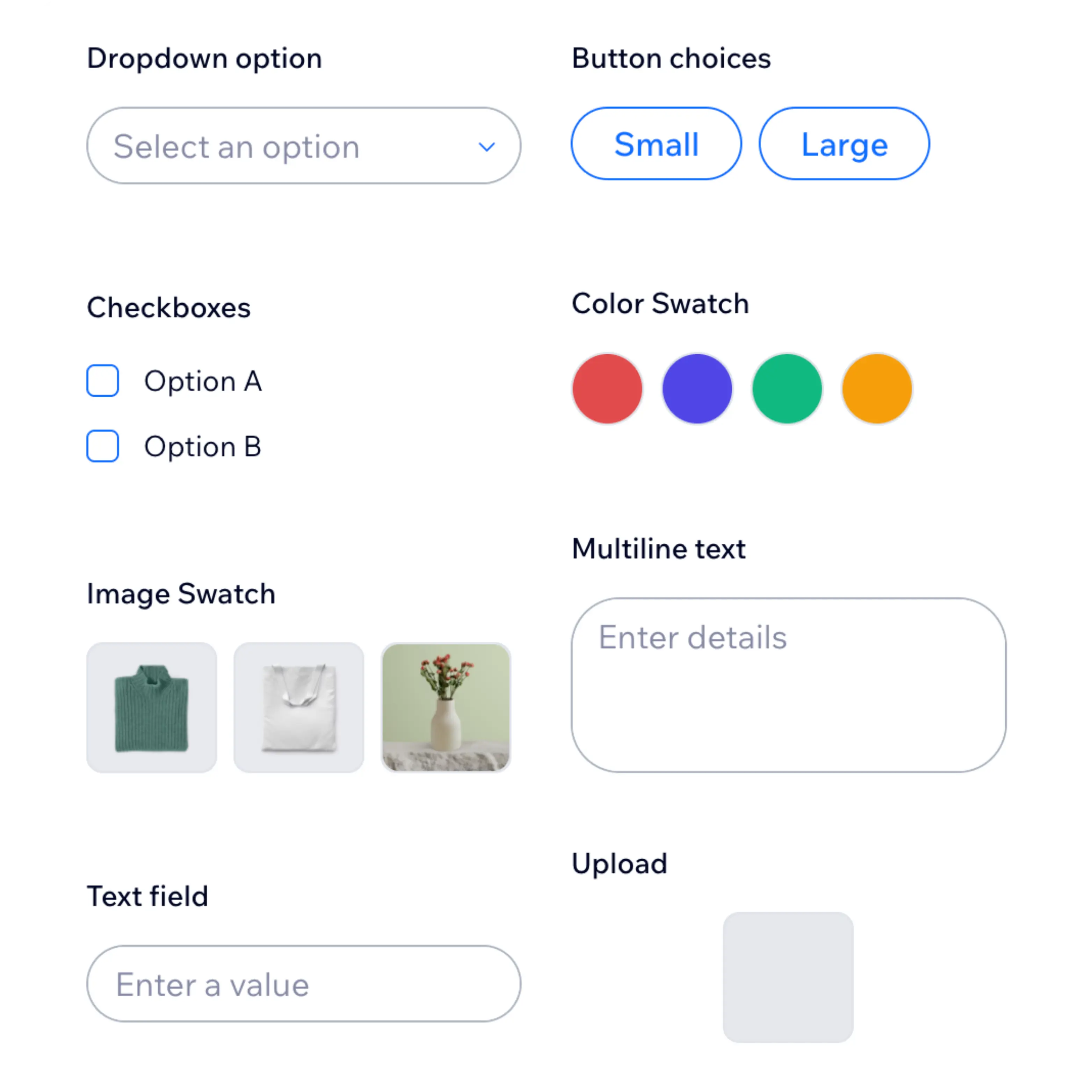
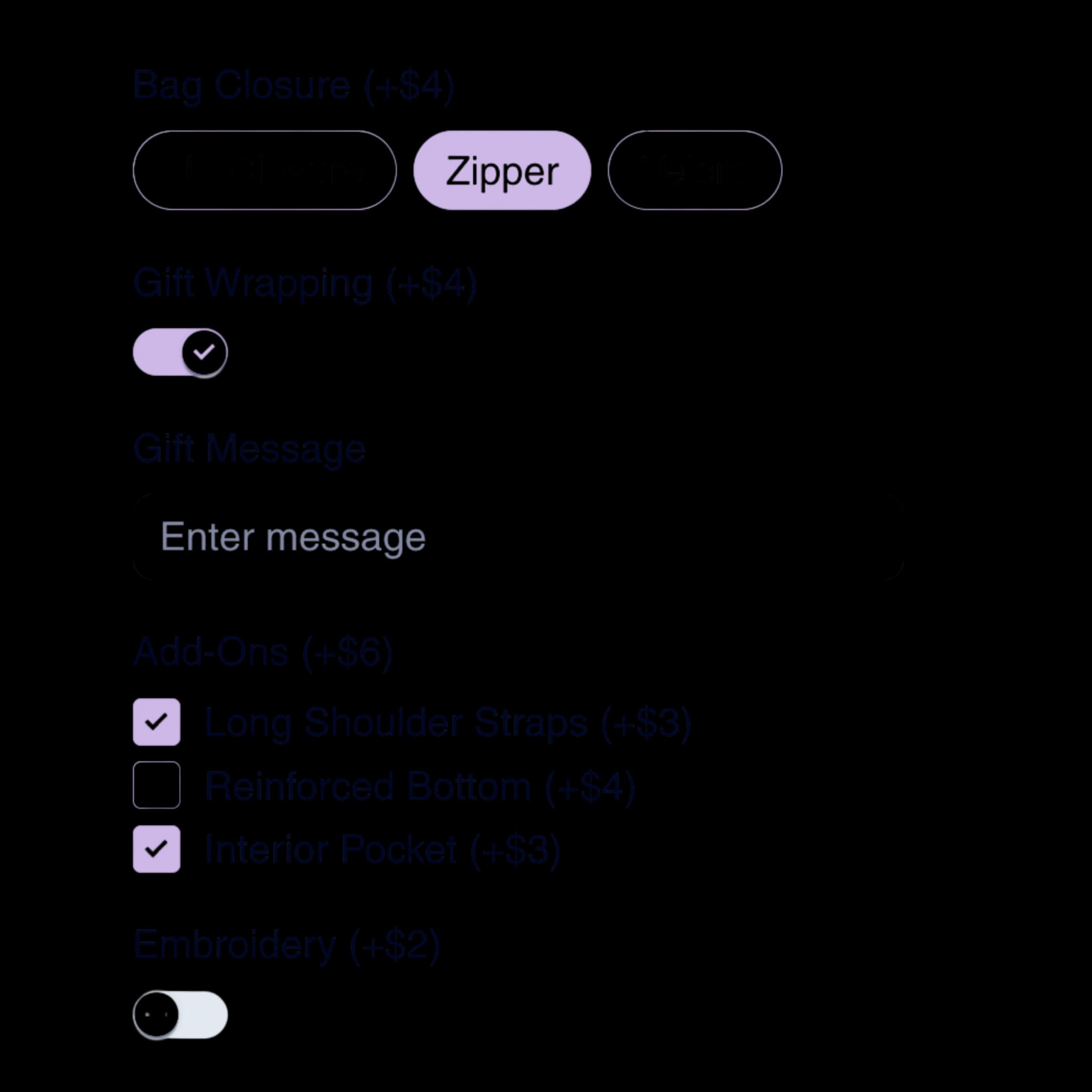
Attach prices to add-ons, set toggles for gift wrap or embroidery, and preview how paid extras look—still without writing code.
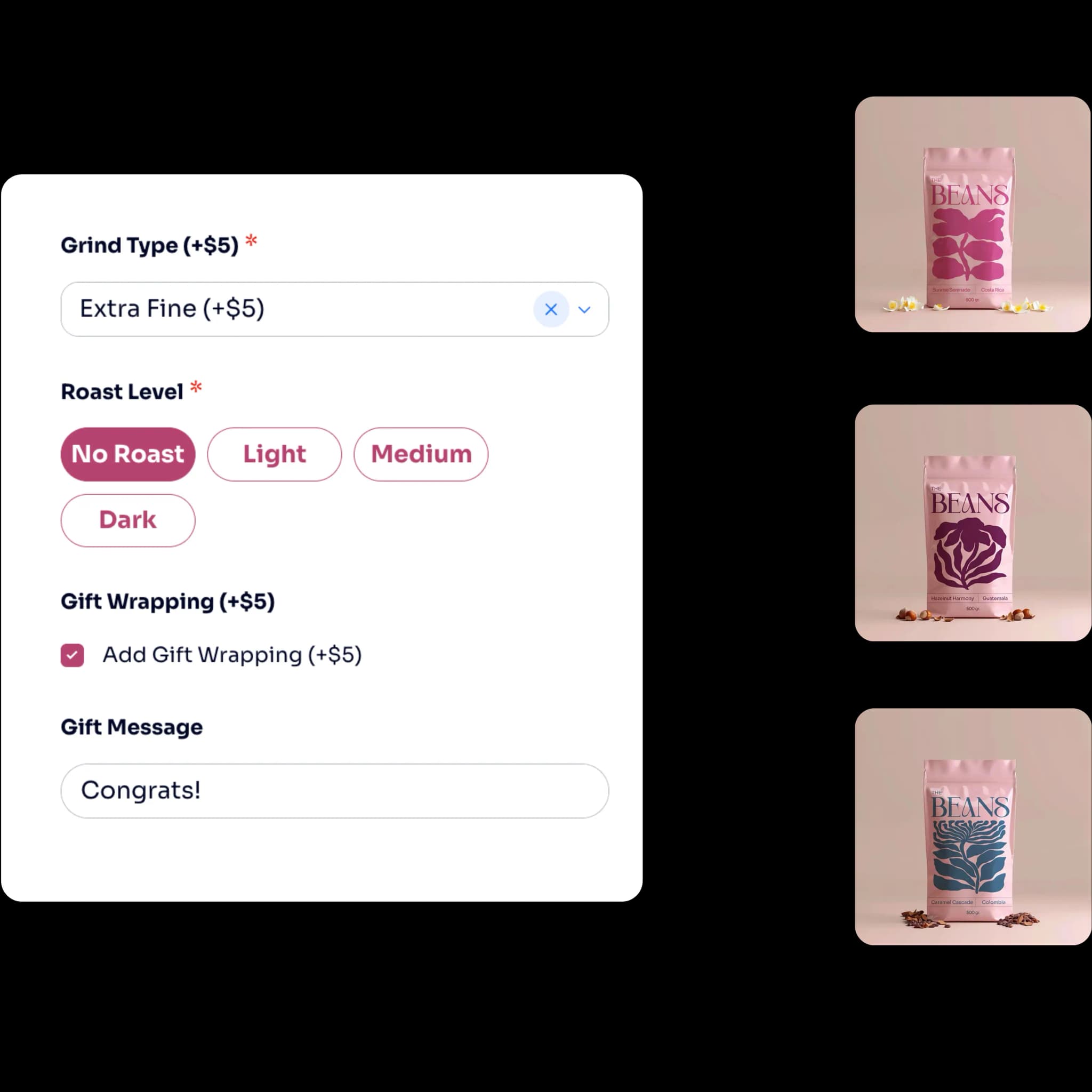
Apply option groups to products and collections from the dashboard, then use built-in analytics to see what shoppers select.
Merchant Scenarios
Example scenarios based on common merchant setups and results.
I am not technical. I had gift wrap and sizing live on our bestsellers the same afternoon we installed the app.
We canceled a developer quote for custom options. Conditional logic in the builder covered our engraving flow.
Marketing owns option copy now. We test holiday add-ons without filing engineering tickets.
Pricing Details
A comprehensive breakdown of our pricing plans to help you make the best choice.
Get started with core product options and priced add-ons.
Install for freeUp to $100 additional revenue/month
Core option types
Price add-ons
Full analytics
Basic support
Unlock all option types and conditional logic as you grow.
Install for freeUp to $1,000 additional revenue/month
All option types
Conditional logic
Full analytics
Priority support
Scale priced options across a larger catalog and order volume.
Install for freeUp to $5,000 additional revenue/month
All option types
Conditional logic
Full analytics
Priority support
Run unlimited add-on revenue with full option flexibility.
Install for freeUnlimited additional revenue/month
All option types
Conditional logic
Full analytics
Priority support
Conversion Impact
Performance ranges based on add-on and priced option tests across high-traffic Wix product pages.
Higher cart totals
Fewer fulfillment mistakes
Hours saved weekly
Use Case Library
Practical starting points teams use when rolling out no-code options to support store conversions.
Explore PowerUp apps and add Better Product Options when you are set to ship.
Quick answers about using Better Product Options on Wix.
Explore more ways to configure product options on your Wix store.