
Free
$0/monthbilled yearly
Get started with core product options and priced add-ons.
Install for freeUp to $100 additional revenue/month
Core option types
Price add-ons
Full analytics
Basic support
Make sure shoppers select size, material, or personalization before adding to cart. Required fields prevent incomplete orders and cut fulfillment errors.
No credit card required.

Benefits Overview
Key ways Wix merchants use this setup to improve product clarity and shopper confidence before checkout.
Personalization Flow
A practical flow for defining choices, attaching prices, and assigning option sets across your Wix catalog.
Create dropdowns, swatches, and text fields that must be completed before add to cart so orders arrive with size, color, or personalization already chosen.
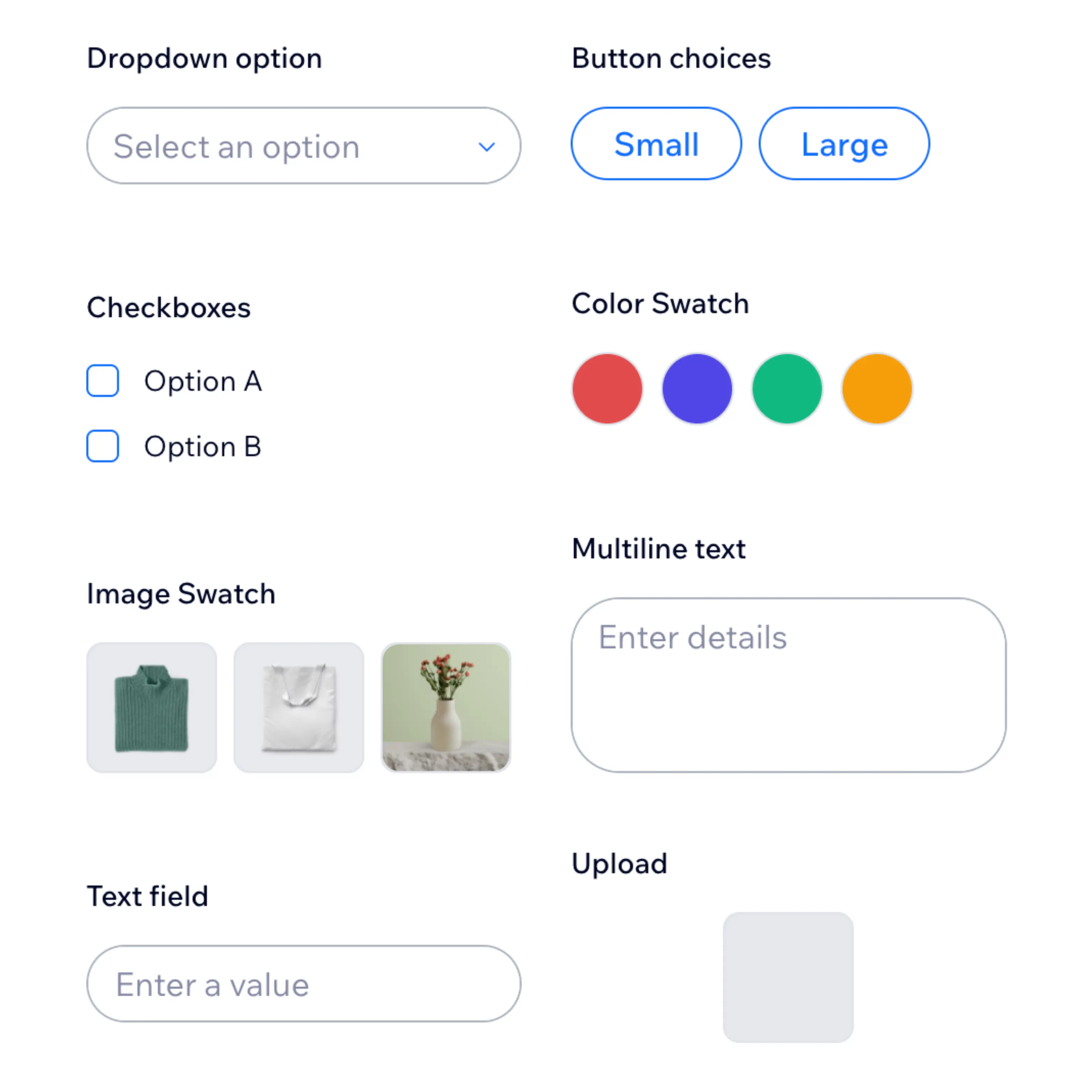
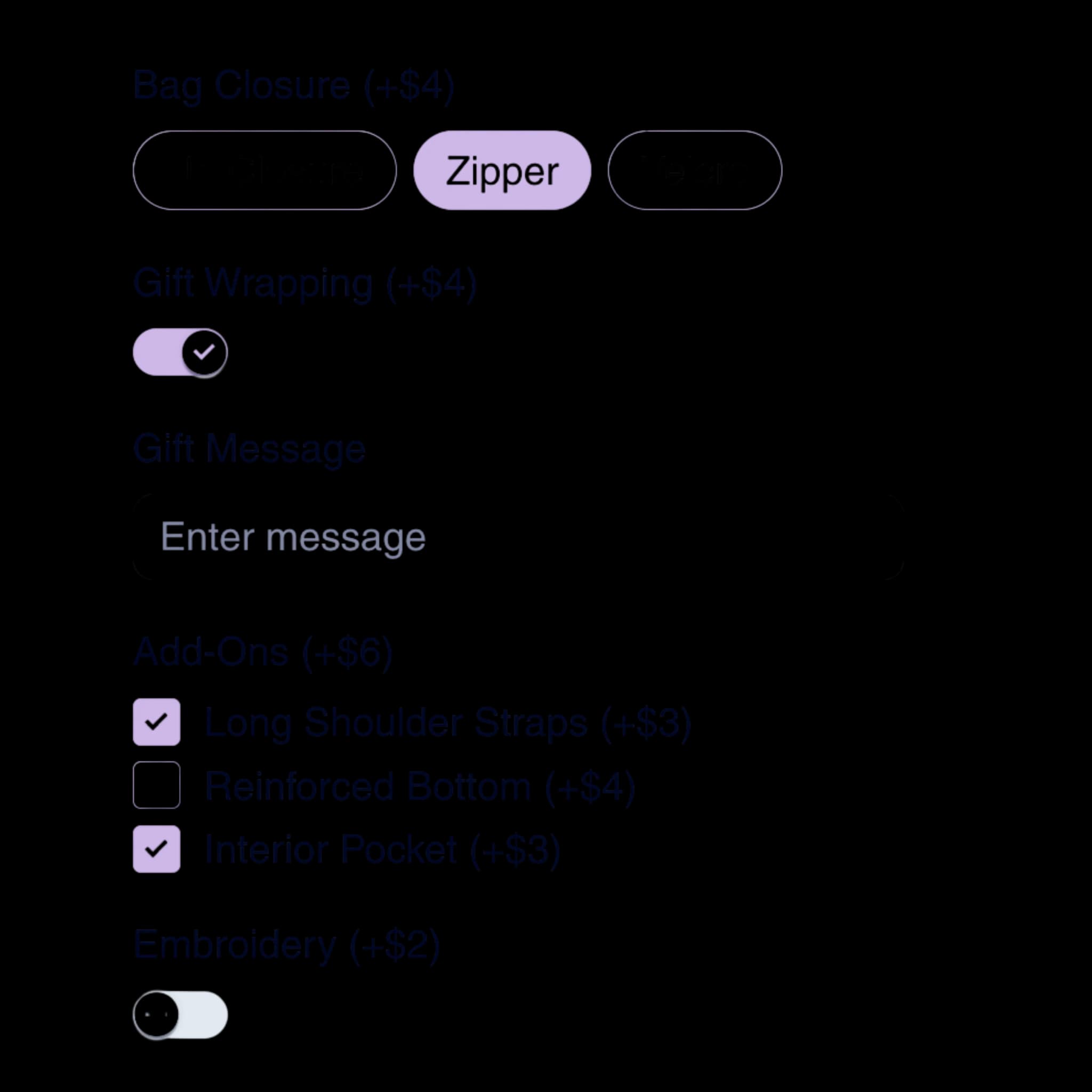
Charge for required custom work when it adds cost, and keep gift wrap or accessories optional beside the required fields.
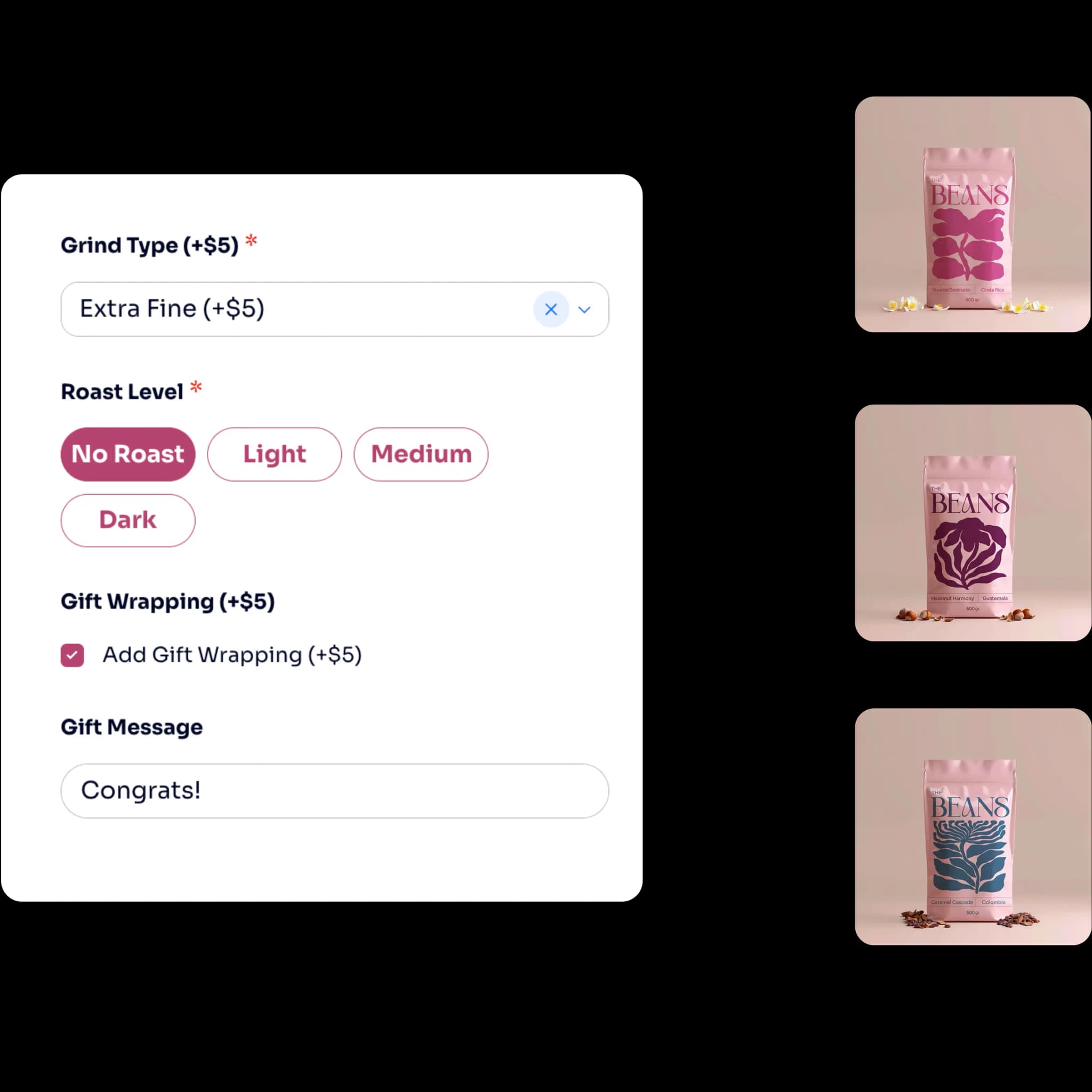
Apply required option groups to the SKUs and collections where incomplete orders are most costly, then monitor incomplete-cart rates.
Reviews
works great for adding product options without having to create new variants. I had one issue with a specific type of product option but support was responsive and solved my issue quickly.
This has made personalizing and customizing products so much easier to add and navigate for me and my customers.
I’m new to the app, but I’m loving it so far. Yoseph has been incredibly helpful, supportive and patient, guiding me through everything and responding quickly to my questions.
Pricing Details
A comprehensive breakdown of our pricing plans to help you make the best choice.
Get started with core product options and priced add-ons.
Install for freeUp to $100 additional revenue/month
Core option types
Price add-ons
Full analytics
Basic support
Unlock all option types and conditional logic as you grow.
Install for freeUp to $1,000 additional revenue/month
All option types
Conditional logic
File uploads (up to 20 MB)
Full analytics
Priority support
Scale priced options across a larger catalog and order volume.
Install for freeUp to $5,000 additional revenue/month
All option types
Conditional logic
File uploads (up to 250 MB)
Full analytics
Priority support
Run unlimited add-on revenue with full option flexibility.
Install for freeUnlimited additional revenue/month
All option types
Conditional logic
File uploads (up to 500 MB)
Full analytics
Priority support
Conversion Impact
Performance ranges based on add-on and priced option tests across high-traffic Wix product pages.
-40-60%
Stronger order value
Less setup busywork
Use Case Library
Practical starting points teams use when rolling out required options to support store conversions.
Explore PowerUp apps and add Better Product Options when you are set to ship.
Quick answers about using Better Product Options on Wix.
Explore more ways to configure product options on your Wix store.