
Free
$0/monthbilled yearly
Get started with core product options and priced add-ons.
Install for freeUp to $100 additional revenue/month
Core option types
Price add-ons
Full analytics
Basic support
Add priced product options on Wix without creating variants. Shoppers pick options on the product page, the price updates, and you keep one product with one inventory count.
No credit card required.

Benefits Overview
Key ways Wix merchants use this setup to improve product clarity and shopper confidence before checkout.
Personalization Flow
A practical flow for defining choices, attaching prices, and assigning option sets across your Wix catalog.
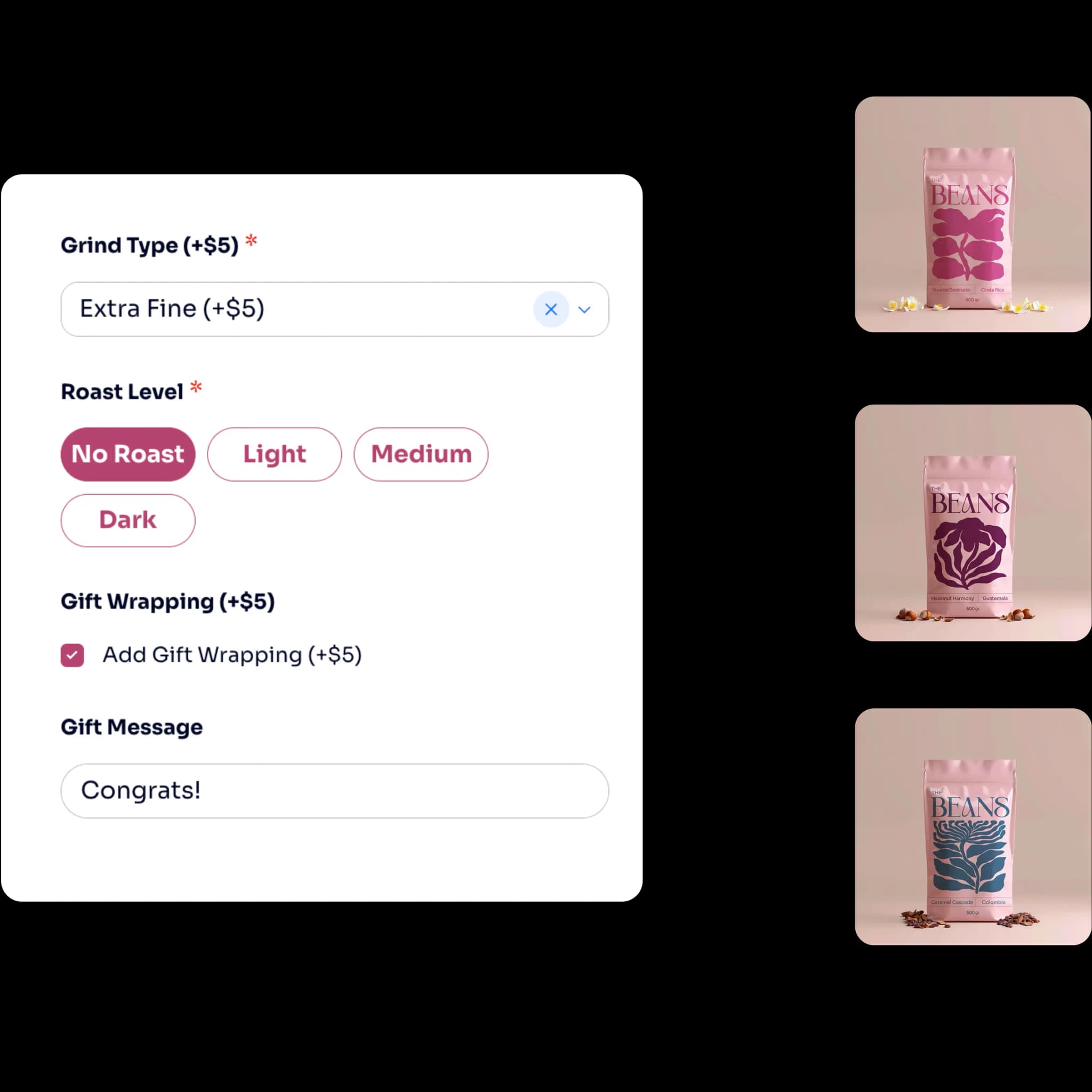
Keep choices that change stock or SKU, like size, as Wix product options. Everything else can move to the app.
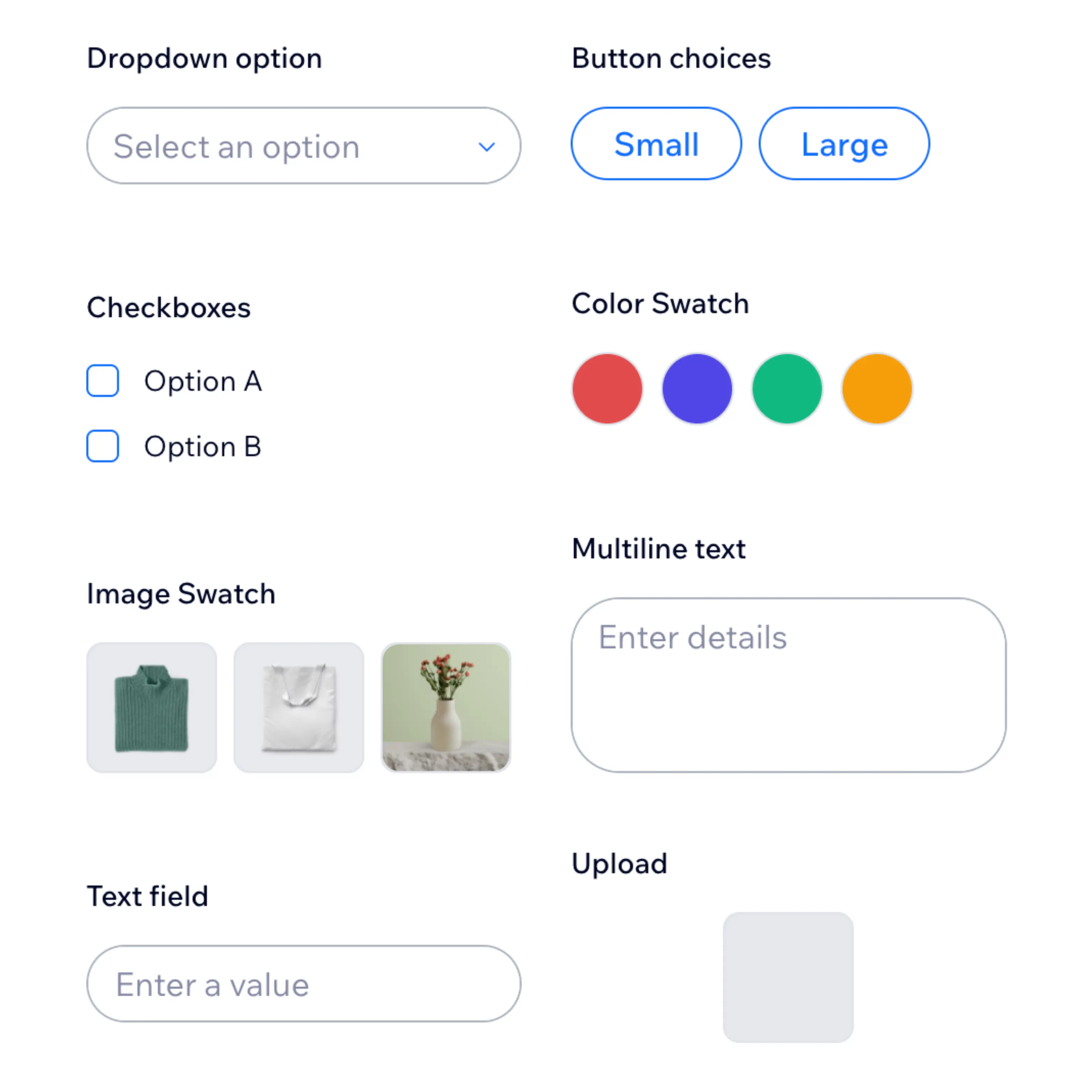
Create dropdowns, buttons, checkboxes, swatches, text fields or file uploads, and set a price on any choice.
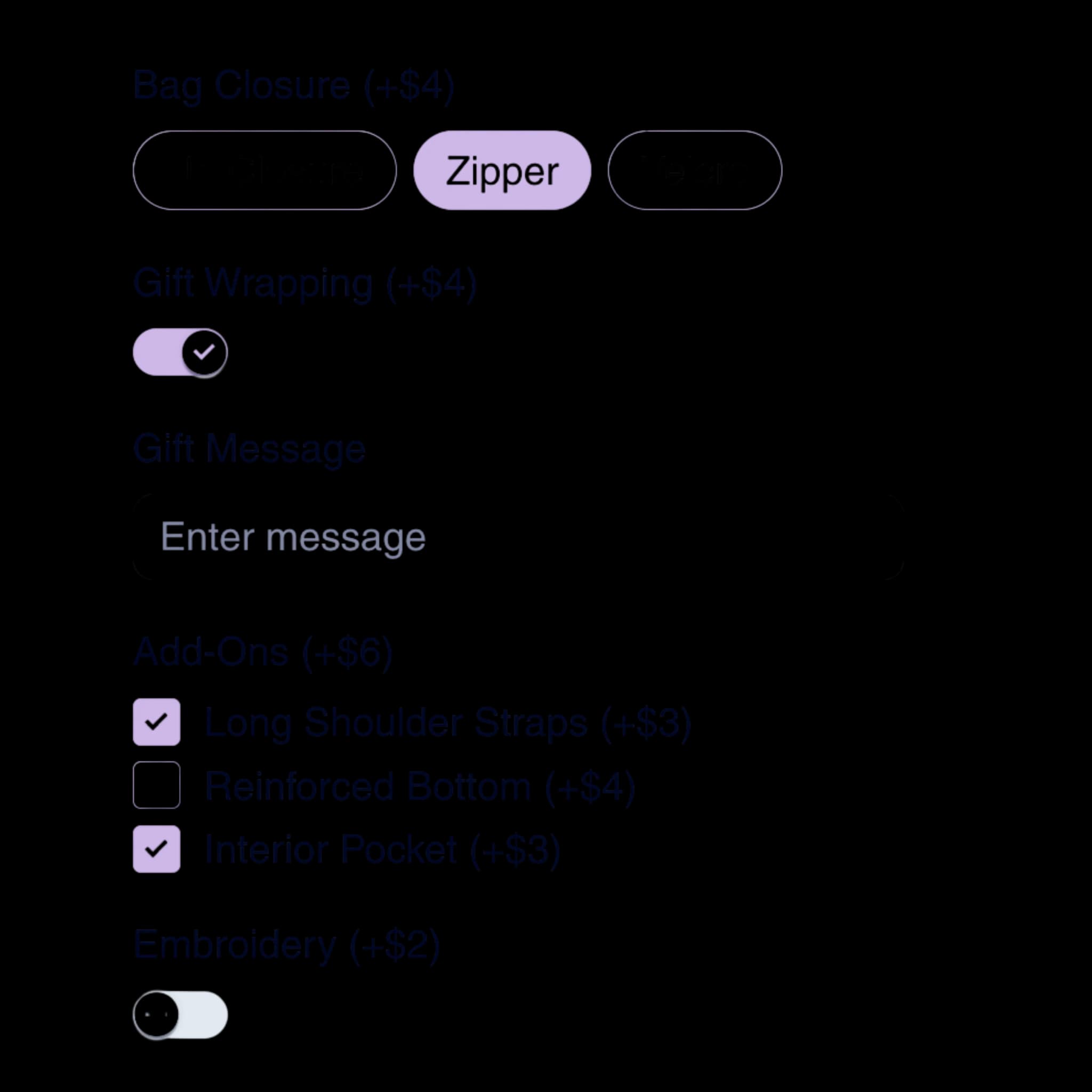
Assign the options to products or collections, then remove the variants you no longer need.
Reviews
works great for adding product options without having to create new variants. I had one issue with a specific type of product option but support was responsive and solved my issue quickly.
This has made personalizing and customizing products so much easier to add and navigate for me and my customers.
I’m new to the app, but I’m loving it so far. Yoseph has been incredibly helpful, supportive and patient, guiding me through everything and responding quickly to my questions.
Pricing Details
A comprehensive breakdown of our pricing plans to help you make the best choice.
Get started with core product options and priced add-ons.
Install for freeUp to $100 additional revenue/month
Core option types
Price add-ons
Full analytics
Basic support
Unlock all option types and conditional logic as you grow.
Install for freeUp to $1,000 additional revenue/month
All option types
Conditional logic
File uploads (up to 20 MB)
Full analytics
Priority support
Scale priced options across a larger catalog and order volume.
Install for freeUp to $5,000 additional revenue/month
All option types
Conditional logic
File uploads (up to 250 MB)
Full analytics
Priority support
Run unlimited add-on revenue with full option flexibility.
Install for freeUnlimited additional revenue/month
All option types
Conditional logic
File uploads (up to 500 MB)
Full analytics
Priority support
Conversion Impact
Performance ranges based on add-on and priced option tests across high-traffic Wix product pages.
One product per item
No duplicate products
Unlimited options
Use Case Library
Practical starting points teams use when rolling out options without variants to support store conversions.
Explore PowerUp apps and add Product Options by PowerUp when you are set to ship.
Quick answers about using Product Options by PowerUp on Wix.
Explore more ways to configure product options on your Wix store.